
VR
Voice Receipts
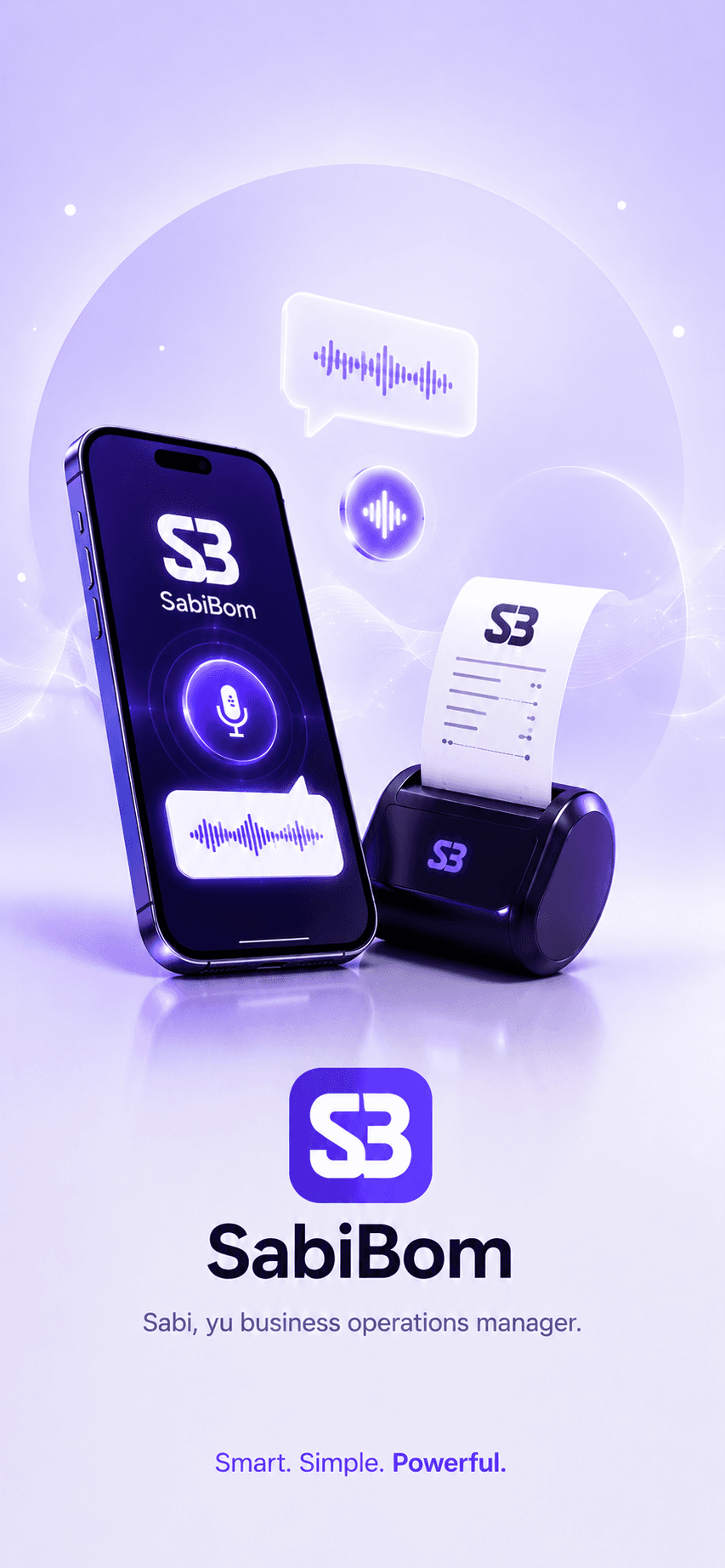
Create receipts quickly using voice, especially useful when your shop is busy.
AI-powered operations for small businesses
Create receipts, track sales, manage customers, monitor expenses, and understand your business with help from Sabi AI.

Business challenges
Many business owners still use paper or scattered tools. SabiBom brings key operations into one simple app.
Feature highlights
SabiBom combines receipts, records, and insights in a practical experience built for small businesses.
Create receipts quickly using voice, especially useful when your shop is busy.
Keep products, services, and transactions organized in one clear place.
Save customer details and track purchasing activity for better follow-up.
Record daily income and spending to understand your cash movement.
View easy summaries and trends so you can make practical decisions faster.
Get support with drafting receipts and reviewing key business patterns.
Product showcase
Built to support receipt operations, customer records, analytics, and AI-assisted workflows.
Capture transactions quickly with voice and text receipt workflows.

Track daily sales performance and trends from one clear dashboard.

Keep customer records organized for follow-up and service history.
Use Sabi AI to draft receipts and assist with day-to-day operations.
Understand performance with practical analytics built for small businesses.
How it works
1
Add your business profile, products, services, and team members to get started.
2
Issue receipts, record expenses, and update customer records from one dashboard.
3
Use reports and Sabi AI support to spot trends and improve daily decisions.
Sabi AI
Sabi helps business owners focus on practical operations and clarity, even during busy working days.
Note: Sabi is designed for operational support and does not provide legal, tax, or financial advice.
Screenshots
A preview of core app experiences for receipts, customers, sales, and Sabi AI.
Create receipts quickly with voice-guided input and printing support.
Monitor sales trends and key business cards from one dashboard.
Track customer activity with a clean and practical interface.
Sabi AI helps with drafts, day-to-day records, and business clarity.
Beta testing
Beta testers receive early product access, regular updates, and a direct channel to share what works best for their business. During beta, features may change as we improve the experience.
Testimonials
These are placeholder testimonials for design preview. They are not real customer endorsements.
Placeholder testimonial: A small retail owner shares how receipt flow could be faster with voice input.
Placeholder profile — Retail business owner
Placeholder testimonial: A food-service owner highlights the value of seeing simple daily sales trends.
Placeholder profile — Food business owner
Placeholder testimonial: A service provider notes better customer follow-up from organized records.
Placeholder profile — Service business owner