
Who can participate
Small businesses, solo entrepreneurs, and staff ready to test operations workflows.
Beta programme
Join the SabiBom beta to test features early, share practical feedback, and help us build tools that fit the way businesses actually work.
Small businesses, solo entrepreneurs, and staff ready to test operations workflows.
Early feature access, product updates, and opportunities to shape priorities.
Usability notes, bug reports, and suggestions based on daily business use.
Features may change, and occasional performance issues may occur during testing.
We aim to protect user data and communicate clearly as the product evolves.
Android availability is active for beta planning. iOS support is planned later.
Before you apply
Everything you need to know before joining the preview programme.
Small-business owners and teams interested in testing daily operations features.
Current beta focus is Android availability. iOS support is planned for a future release.
Not always. Some capabilities may change as feedback is implemented.
After reviewing your application, the SabiBom beta team will contact you by phone call or email. We will confirm your Google Play account, explain the testing steps, and provide the official opt-in and installation link when your access is ready.
Beta registration
Tell us a little about yourself and your business. Use the Google account email connected to Google Play on your Android phone.
After submission, keep your phone and email available. The SabiBom beta team will contact you personally with the Google Play download and testing process after approval.
Use the Google account connected to Google Play on your Android phone and provide a reachable phone number. After review, the SabiBom beta team will contact you by call or email with the official download and testing process.
Beta preview
A look at the product workflows currently being prepared for beta testing.

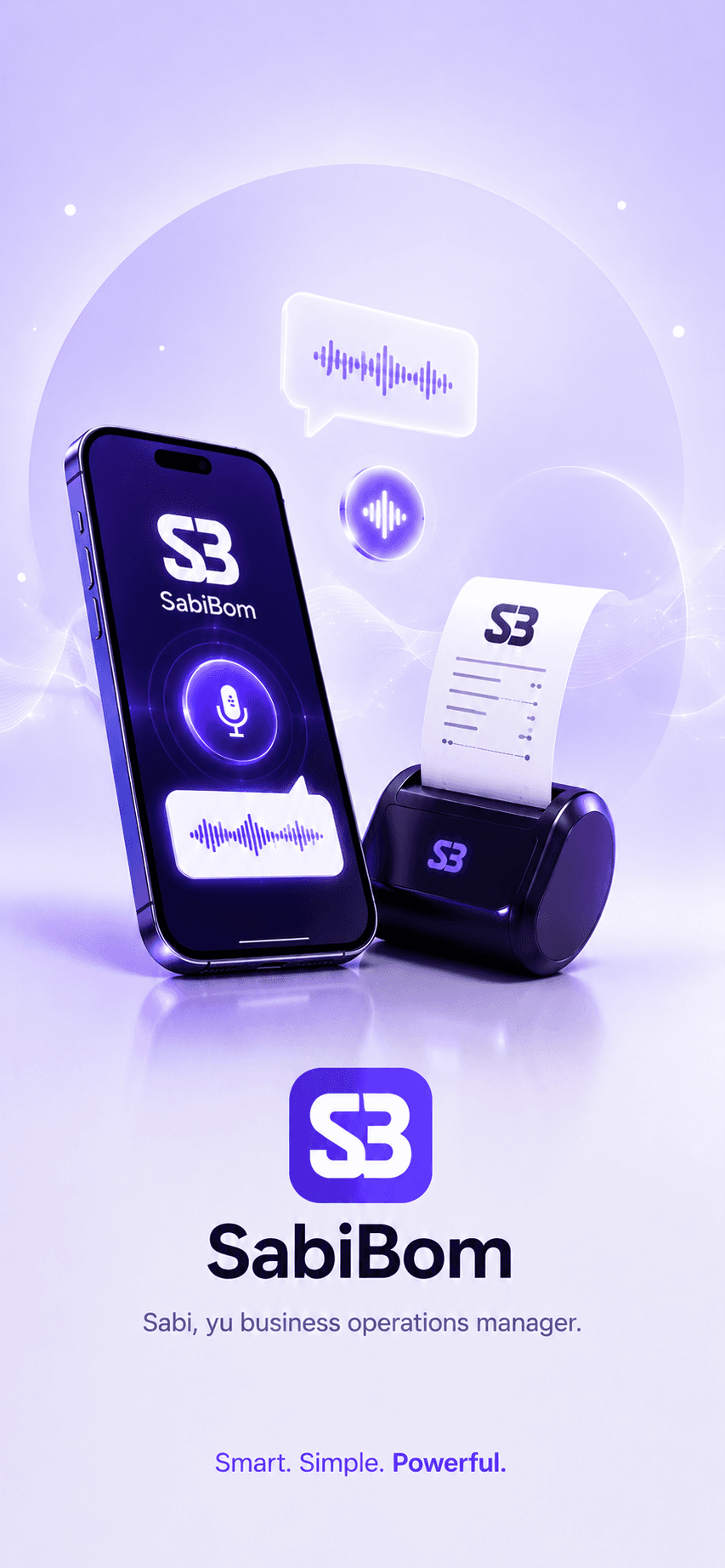
Create receipts quickly with voice-guided input and printing support.
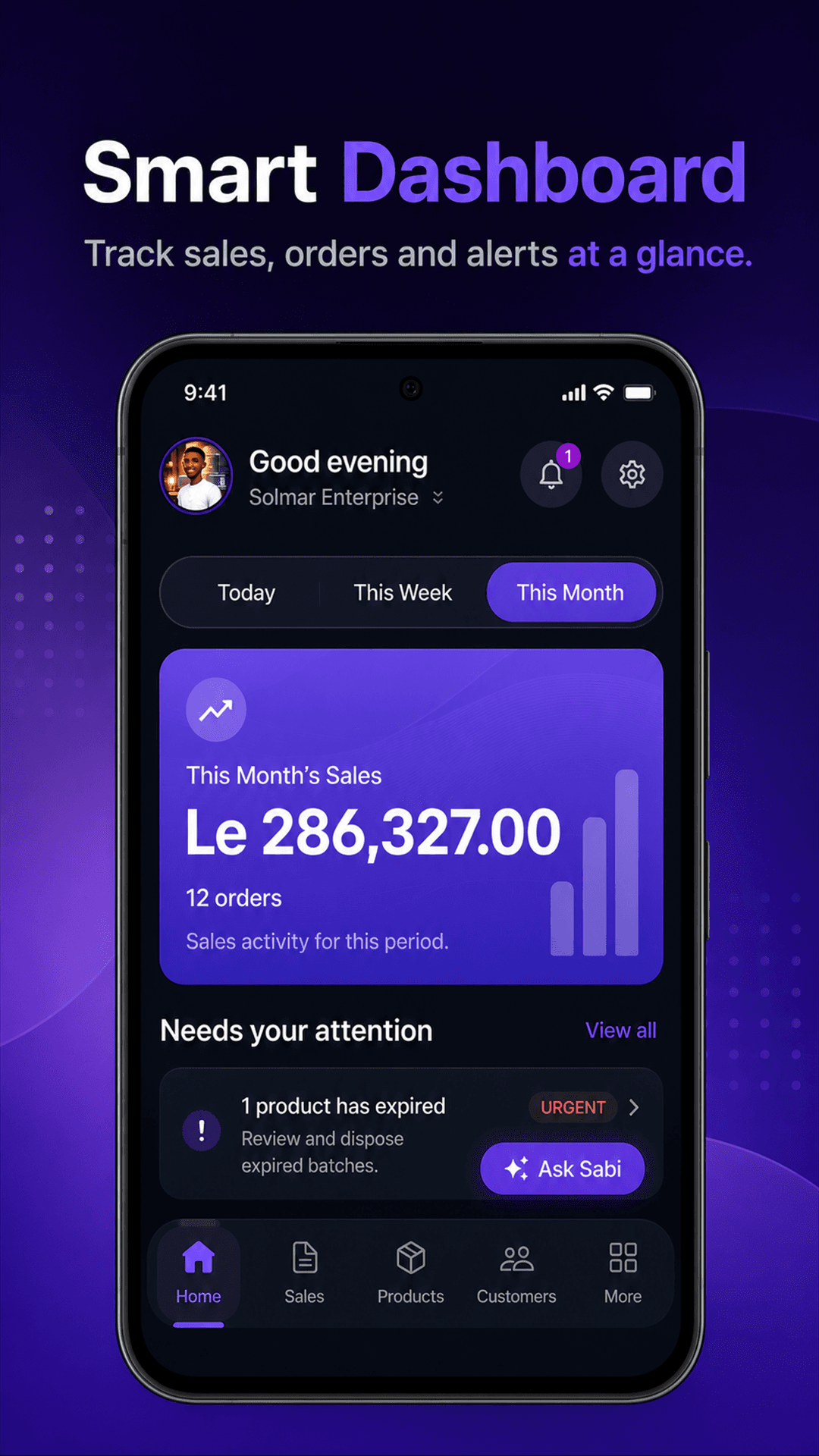
Monitor sales, orders, alerts, and business activity from one focused home screen.
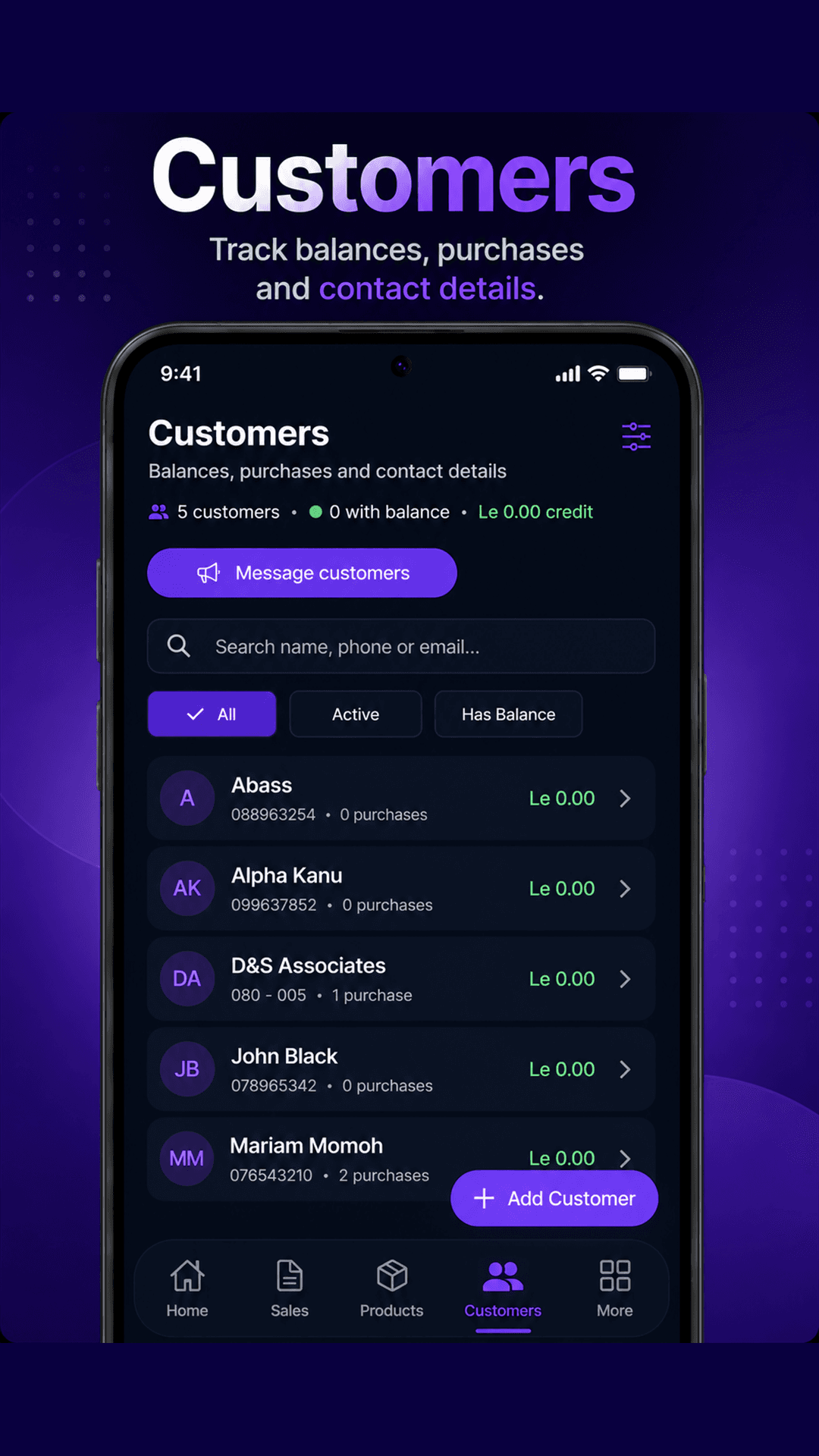
Track customer activity, balances, purchases, and contact details in one place.
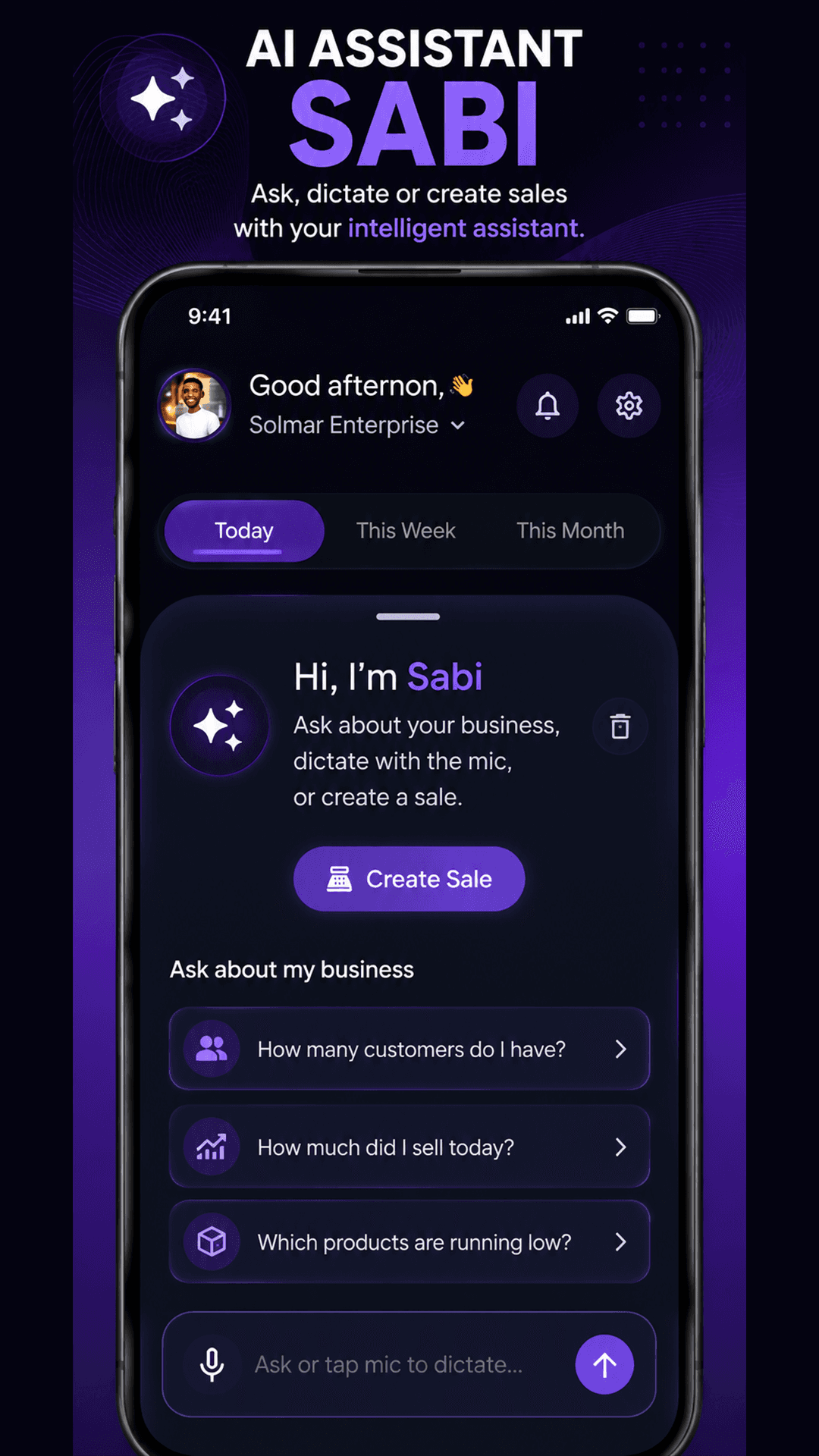
Ask business questions, dictate with the microphone, or start creating a sale.